Data Mapping in an Afternoon — a Small-Team Method That Actually Gets Done
“Data mapping” sounds like a project — the kind that gets scoped, quoted by a consultant, and then never finished. For most small teams, that framing is the reason it never happens. The Record of Processing Activities (Article 30) sits half-built in a spreadsheet, and the actual question — where is our personal data? — stays unanswered.
It doesn’t have to be that big. Here’s a version a two-to-ten-person team can genuinely complete in an afternoon, on the Macs you already have.
Why the big version fails
The textbook data-mapping exercise tries to document every processing activity, legal basis, retention period and data flow up front. It’s thorough and it’s correct — and it’s why so many small teams stall. They spend the whole budget on the documentation before they’ve done the discovery. You end up with a beautiful map of data you’re not sure you actually hold, and no map of the data you definitely do.
Flip the order. Discover first, document second.
The afternoon method
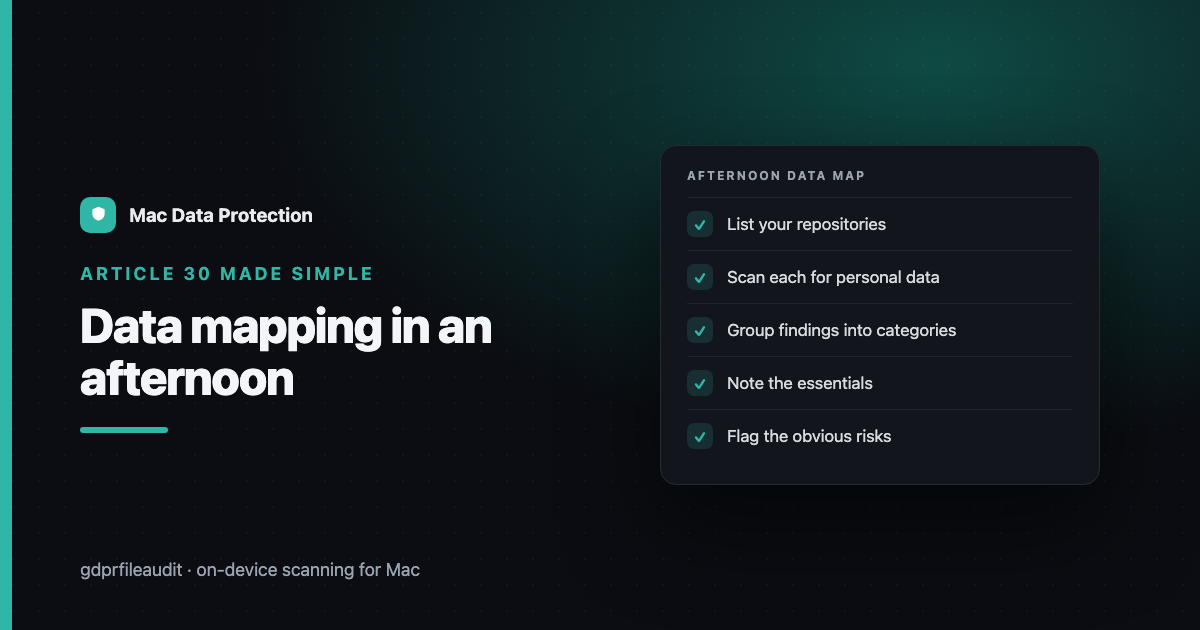
You need one person, a few hours, and the ability to scan your own files. Work in this order:
- List your repositories (15 min). Not processing activities — places. The shared drive, the mail accounts, the two or three Macs that hold real work. If personal data lives there, it’s on the list.
- Scan each one for personal data (the bulk of the time). Let a tool read the files and flag the ones containing names, national IDs, emails, card and account numbers. You’re not reading everything — you’re finding the files that matter.
- Group the findings into categories (30 min). Customer records, employee data, supplier contacts, applicant CVs. Most small teams have five to eight real categories, not fifty.
- For each category, note the essentials (30 min). What it is, roughly how many people, where it lives, why you hold it, and how long you keep it. That’s a working Article 30 record — good enough to start, honest about what you actually have.
- Flag the obvious problems (15 min). The five-year-old export, the folder nobody owns, the copies of copies. You’ll spot them immediately once the scan surfaces them.
By the end of the afternoon you have two things most teams never get: a real inventory of where personal data lives, and a shortlist of the risks to fix first.
Why “on-device” matters for small teams
Small teams are exactly the ones tempted to upload everything to some cloud tool to “get it done faster.” Don’t. You’d be exporting all your personal data to a third party as the first step of a project meant to reduce exposure — and for a small team, that third-party processor is now something else you have to document and defend. Keeping the scan on the machine keeps the exercise honest and keeps your data map from creating new obligations.
Keeping it current
A map is only useful if it stays true. The afternoon method works because it’s cheap enough to repeat. Re-scan quarterly, update the categories, clear the flagged files. Fifteen minutes a quarter beats a six-week project you do once and let rot.
Data mapping isn’t a consulting engagement. It’s an afternoon, repeated. Start with discovery, keep it local, and you’ll have a map that’s actually true — which is worth more than a perfect one that never got finished.
Disclosure: I make GDPR File Audit, a Mac app for on-device personal-data scanning — but the approach above works with any tool that scans locally.