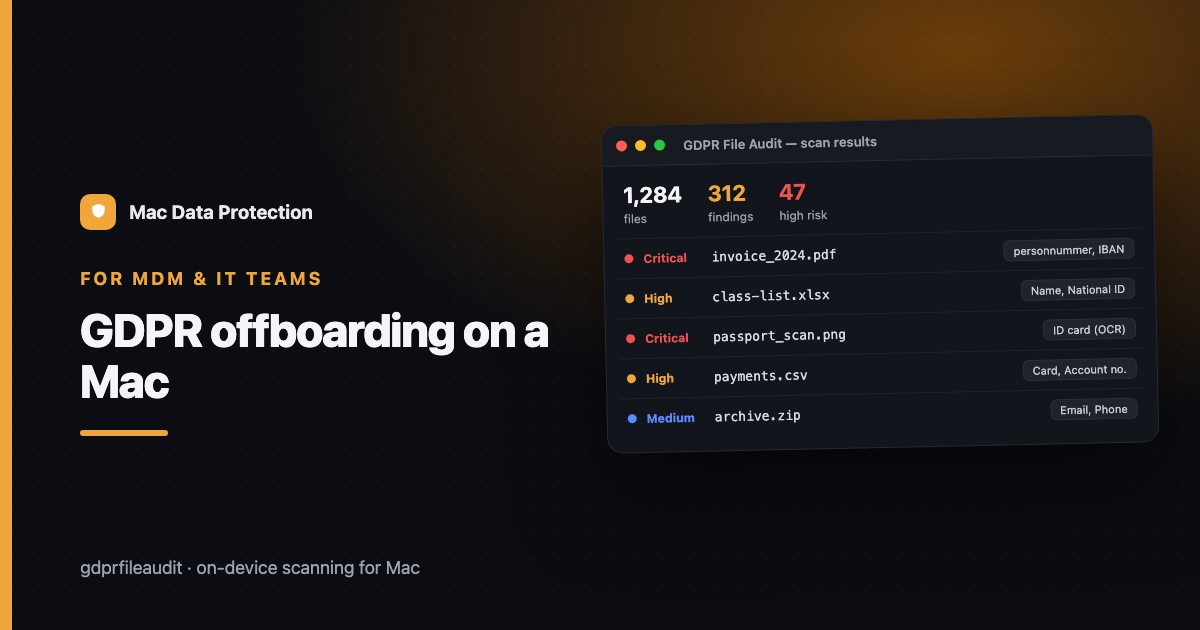
GDPR Offboarding on a Mac — Wiping Personal Data Before the Machine Moves On
Device offboarding usually gets treated as an IT-asset task: wipe the disk, or hand the Mac to the next person with the old account deleted. Both feel done. Neither is, from a data-protection point of view — because personal data doesn’t only live in the leaving user’s account. It’s scattered in shared drives, synced folders, and exports that outlive whoever made them.
If you manage a Mac fleet, offboarding is one of the highest-leverage moments you have to reduce personal-data exposure. Here’s how to do it properly.
Why “delete the account” isn’t enough
When someone leaves, the instinct is to delete their local account and move on. But the personal data they touched has usually already spread beyond that account:
- Shared network drives where they saved client or pupil files that stay after they’re gone.
- Team folders and synced storage that other people still have copies of.
- Exports and reports they generated and emailed — now living in several inboxes.
- A reassigned Mac where their
DownloadsandDocumentswere migrated to the next user “just in case.”
Deleting the account closes one door and leaves the others open. Offboarding has to account for the data, not just the login.
The offboarding data checklist
Run this whenever a person leaves or a Mac changes hands:
- Scan the account before you delete it. Before wiping, audit the leaving user’s
Documents,Downloads,Desktopand mail store for personal data. You need to know what was there — some of it may be a record you’re legally required to keep, and some a copy you must destroy. - Check the shared spaces they had access to. The riskiest data is rarely on the laptop — it’s on the shares. Scan those for files owned or created by the leaver.
- Decide keep vs destroy, per finding. Business records may need retaining in a controlled location. Personal data past its purpose should be securely deleted — from Trash and backups too.
- Wipe, don’t just migrate. If the Mac is being reassigned, don’t carry the old
Downloads/Documentsacross. Reset to a clean state so the next user doesn’t inherit someone else’s personal data. - Clear the ghosts. Old Time Machine snapshots, cached mail, and app data can retain personal data long after the account is gone. Include them.
- Log the offboarding. Record what you scanned, what you kept and why, and what you destroyed. That log is your evidence of storage-limitation compliance.
The reassignment trap
The single most common leak isn’t a hack — it’s a handed-down Mac. A device moves from a leaver to a new hire, and the “helpful” migration carries the previous person’s files with it. Now a new employee has a folder of someone else’s client data, pupil records, or HR documents, and nobody decided that should happen.
The fix is a habit: a Mac never moves to a new person carrying the old person’s data. Either it’s wiped clean, or the previous data is audited and cleared first.
Making it repeatable at fleet scale
For one or two devices, this is a careful afternoon. Across a fleet, the bottleneck is step 1 and 2 — actually finding the personal data across every file type on the machine and the shares, quickly, without shipping it anywhere.
Offboarding is the moment personal data is most likely to quietly escape your control — and the cheapest moment to stop it. Build the scan into the checklist and it stops being a risk and becomes a routine.
Disclosure: I make GDPR File Audit, a Mac app for on-device personal-data scanning — but the approach above works with any tool that scans locally.