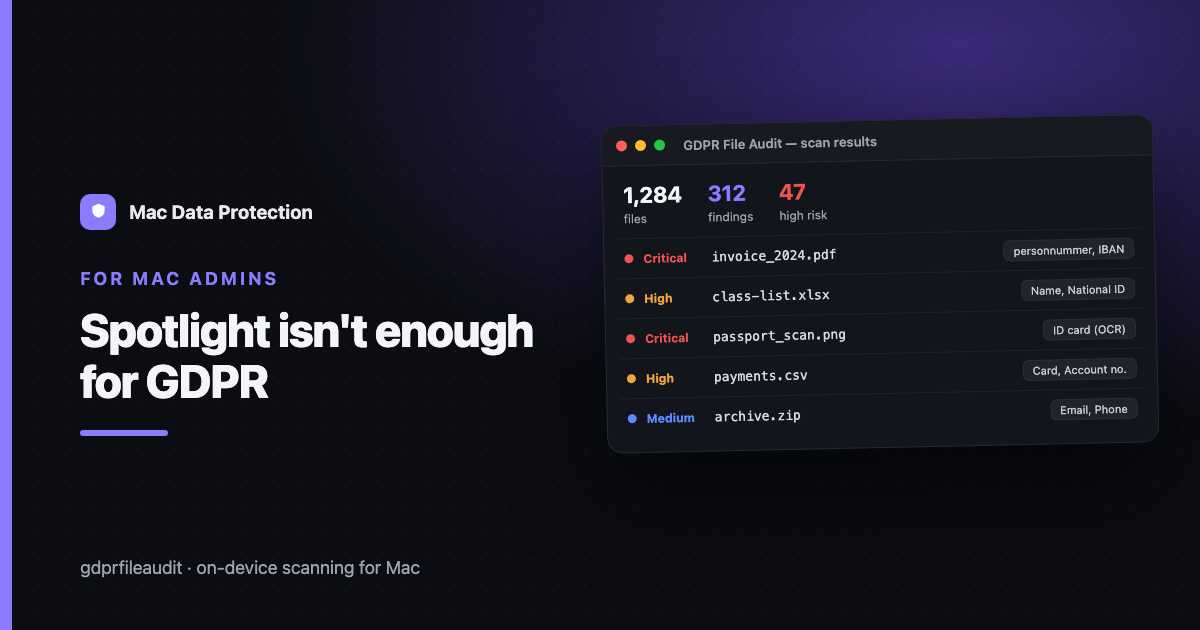
Spotlight Isn't Enough for GDPR — What Finding Personal Data on a Mac Actually Takes
Ask most Mac users how they’d find where personal data lives on their machine and the answer is instant: “Spotlight.” It’s fast, it’s built in, it indexes everything. So why does every serious data-mapping exercise reach for something else?
Because Spotlight and a GDPR audit are answering two different questions. Spotlight answers “where is the file I’m thinking of?” A data audit answers “which files contain personal data I don’t know about?” Those look similar and are not.
What Spotlight is actually good at
Spotlight is a retrieval tool. You know a document exists — a contract, a photo, a spreadsheet — and you want to open it without digging through folders. Type a few words from its name or contents and there it is. For that, it’s excellent.
It works because Spotlight builds an index of filenames and a shallow layer of file contents, optimised for speed and for matching terms you already know. The whole design assumes you can describe what you’re looking for.
Why that breaks for personal data
A data audit inverts the problem. You can’t describe what you’re looking for, because the entire point is to discover it. You’re not searching for “Anna’s contract” — you’re asking “does any file here contain a national ID number, a bank account, a health note, a card number?” across tens of thousands of files you’ve never opened.
Spotlight can’t answer that, for concrete reasons:
- It matches terms, not patterns. A national ID or IBAN has a structure — a checksummed format — not a keyword. Spotlight has no concept of “looks like a personnummer.”
- It doesn’t read images. A scanned ID card, a photographed form, a screenshot of a record — to Spotlight that’s an opaque picture. No OCR, no text, no match.
- It treats containers as single blobs. A ZIP of exports, a spreadsheet with 40 tabs, an email with attachments — Spotlight indexes the surface, not the personal data buried three layers down.
- It has no notion of sensitivity. A file that says “grades” and a file that lists 200 pupils with their IDs look equally relevant to a keyword search. One is a footnote; the other is a breach waiting to happen.
Put simply: Spotlight was built to help you find things you remember, and a GDPR audit is about finding things nobody remembers.
What finding personal data actually takes
To map personal data reliably, a tool has to do four things Spotlight doesn’t:
- Pattern detection with validation. Recognise national IDs, IBANs, card numbers and VAT numbers by their format and verify the checksum, so you get real hits instead of every 10-digit number on the disk.
- OCR on images and scanned PDFs. Read the text inside a photographed passport or a scanned enrolment form — because that’s exactly where the most sensitive data hides.
- Container-aware extraction. Open archives, spreadsheets, email stores and Office documents and look at the content, not the wrapper.
- Sensitivity ranking. Distinguish a file with one stray email address from a file with hundreds of identifiers, so you triage the real risk first.
None of this is exotic — it’s just a different job than retrieval. It’s the difference between a search box and an audit.
Doing it without sending data to the cloud
There’s one more requirement that’s easy to miss: an audit should run on the machine. The whole exercise is about reducing the exposure of personal data — so shipping every file to a cloud service to scan it would defeat the purpose, and for categories like children’s or health data, it’s a non-starter.
But the tool is the easy part. The mindset shift is the point: stop searching for what you remember, and start scanning for what you don’t. Spotlight was never going to do that — it was built for the opposite job.
Disclosure: I make GDPR File Audit, a Mac app for on-device personal-data scanning — but the approach above works with any tool that scans locally.