How to Audit 200 Macs for Personal Data Without Buying a DLP Platform
Somewhere between “we should probably know where our personal data is” and “we have a data-loss-prevention platform” lies a gap that most organisations sit in permanently.
The gap looks like this: you manage a couple of hundred Macs with Jamf, Kandji, Mosyle or Addigy. You know what’s installed on them, what OS they’re on, whether FileVault is enabled. You have no idea what’s in them. And when someone from legal asks “do any of our endpoints hold customer national ID numbers,” the honest answer is a shrug.
The reflex answer to that gap is to buy a DLP platform. Sometimes that’s right. Very often it’s a six-figure, twelve-month project that solves a problem you could have substantially solved in a fortnight, and which you will abandon in eighteen months because nobody has time to tune it.
This is the fortnight version. It’s aimed at Mac admins who have an MDM, a fleet, and a compliance question they can’t currently answer.
Be honest about what you’re trying to achieve
You are not trying to build real-time interception of data exfiltration. That’s DLP, it’s a different problem, and it needs a platform.
You are trying to answer, with evidence, a much more boring set of questions:
- Does personal data live on our endpoints at all, or is it all in the systems of record? (Every organisation believes the latter. Every organisation is wrong.)
- Which kinds, and roughly how much?
- Which machines and which teams are the concentrations?
- Is any of it stuff we’re not allowed to have, or should have deleted years ago?
That’s a discovery and mapping exercise, not an enforcement one. It has a beginning and an end. And critically, it’s the thing that Article 30 records, DSAR readiness, and any honest risk assessment all depend on — none of which a DLP agent gives you for free.
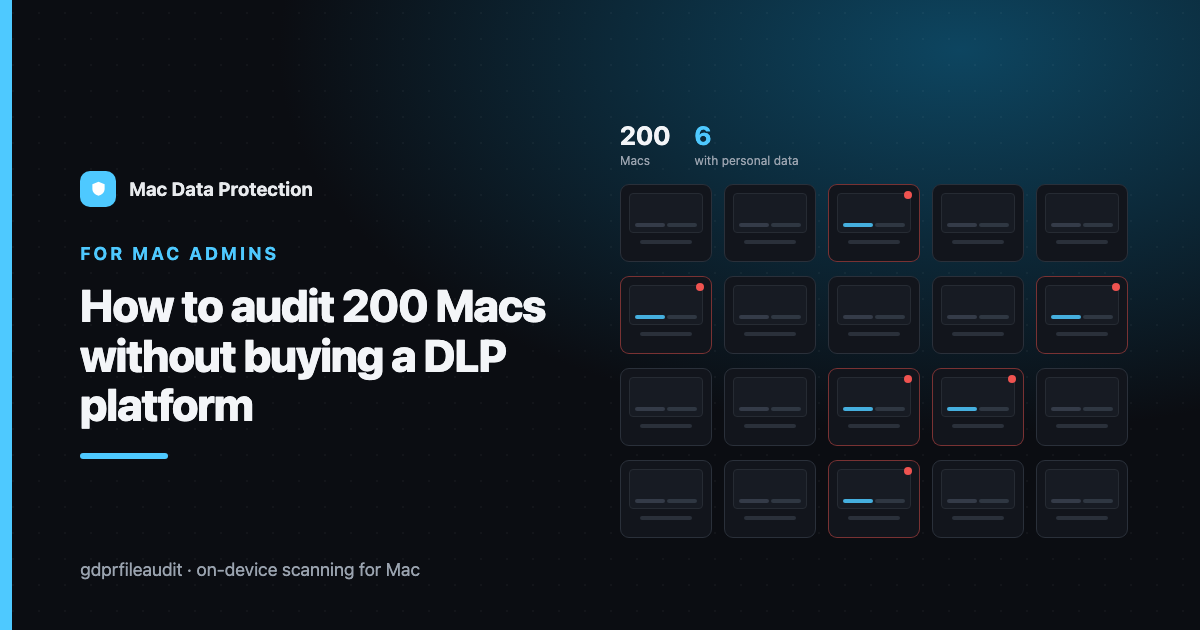
Getting this right also tells you whether you actually need the platform. Sometimes the scan comes back and says: yes, forty machines are full of exported customer data, this is systemic, we need controls. Fine — now you have a business case built on evidence instead of vibes. And sometimes it says: it’s concentrated in six people in one team, and it’s a process problem, not a technology one. That outcome saves you the six figures.
Stage one: don’t scan the fleet
The instinct is to push a scan to all 200 machines on day one. Resist it, for a week.
Sample first. Pick eight to twelve machines that represent your actual risk surface, not your headcount:
- Someone in HR and someone in Finance — the two teams whose ordinary work involves personal data.
- Someone in Support or Customer Success — they receive whatever customers send them, which is often far more than they should.
- A developer — for reasons covered later, and separately, in Production Data on Developer Macs.
- A long-tenured employee in any department. Tenure is the single best predictor of accumulated data.
- A shared or hot-desk machine, if you have any.
- A recently reassigned machine — one that used to belong to someone else. You are checking whether the previous person’s data came along for the ride. It usually did.
Scan those. Read the results properly. You will learn more in that exercise than in the entire rest of the project, because you will discover the shape of your problem: which file types, which folders, which teams, which vintage of data. Everything you do afterwards is cheaper because you did this first.
What you are looking for at this stage is not a number. It’s a set of patterns:
- Is it exports (CSVs and spreadsheets pulled out of a system) or documents (contracts, letters, forms)?
- Is it in Downloads (transient, thoughtless, easy to fix with a policy) or Documents (deliberate, workflow-embedded, harder)?
- Is it current or is it 2018?
- Is it the same file on many machines — a spreadsheet that got emailed round and everyone saved a copy — or many different files?
Each of those distinctions leads to a different remediation, and getting them wrong means you build the wrong fix.
Stage two: scan on the endpoint, not in the cloud
However you do the broad scan, one architectural decision matters more than all the others: the scanning must happen on the machine.
The cloud-scanning model — collect files centrally, analyse them there — has a fatal property in this context. To find out where your personal data is, you would begin by copying all of it to a new place. You would create, in the process of a compliance exercise, a brand-new centralised repository of exactly the data you are worried about, on infrastructure that is now itself in scope. If any of it is health data or children’s data, you have made your position considerably worse, not better.
On-device scanning inverts this. The files never move. The machine reads its own disk, does pattern detection locally, and produces a report — metadata about findings, not the findings themselves. What leaves the endpoint is “this file, at this path, contains three national IDs and an IBAN, confidence high” — not the national IDs.
That distinction is the whole ballgame. It means your audit artefact is safe to store, safe to email to legal, and safe to keep for evidence. It also means you can run the scan on a machine holding data you are not personally cleared to see, and still get a useful answer.
Stage three: scale it with the MDM you already have
You do not need a new agent. You need to run a scan and collect a report, and your MDM already does both of those things.
The pattern, in the abstract and regardless of vendor:
- Deploy the scanning tool through your normal app-distribution mechanism. It’s an app; treat it like an app.
- Trigger a scan on a defined scope — typically the user’s home directory, or specific folders — via a script or policy. Do this on a schedule that doesn’t fight the user for CPU. Overnight is fine. Battery-and-power conditions matter; don’t melt someone’s laptop during a client call.
- Collect the report file to a location you control, using the same mechanism you already use to gather logs or inventory data.
- Aggregate the reports. This is a spreadsheet-and-a-pivot-table job, not a data-warehouse job. You want: findings by machine, by department, by data type, by folder, by file age.
The temptation is to over-engineer step four. Don’t. The first aggregate view is a pivot table, and the questions it needs to answer are simple: who has the most, of what kind, and how old is it?
Practical cautions for the fleet run, all learned the hard way by someone:
- Exclude the obvious noise before you start, not after. Caches, application support, node_modules, Xcode derived data. Otherwise you’ll spend the first week explaining false positives instead of fixing real ones.
- Watch the network shares. If someone has a share mounted, a home-directory scan may wander onto the server and take all night. Scope explicitly.
- Tell people. Scanning employees’ machines — even for legitimate compliance purposes, even without reading the contents — is processing that they should know about, and in many jurisdictions a works council or employee representative will have views. Do this via the front door: a short, honest note explaining what is scanned, what is reported (paths and categories, not contents), why, and who sees it. The version of this project that goes wrong is the one that gets discovered rather than announced.
- Have your own lawful basis straight. You are processing personal data in order to protect personal data. That’s usually fine and often necessary — but you should be able to say which basis you’re relying on before someone asks.
Stage four: turn results into three lists, not one report
A single 900-row report is where good audits go to die. Split the output into three lists, because three different people act on them.
List one: delete. Files that are past retention, duplicated, or plainly shouldn’t exist — the 2019 export, the copy of the copy, the leaver’s files that migrated to the new starter’s machine. This is the biggest list and the easiest win, and it belongs to the individual users with IT’s help. Most of this can be handled with a “here’s what we found on your machine, here’s what to delete, here’s the deadline” message that is polite, specific, and comes with a link to the guidance.
List two: relocate. Data that is legitimate but shouldn’t live on an endpoint — it belongs in the system of record, or in a controlled share. This list belongs to the process owner, not IT, because the reason it’s on the laptop is that a workflow put it there, and the fix is to change the workflow. If Finance keeps exporting invoices to Downloads because the reporting tool is bad, no amount of deleting will help; the reporting tool is the problem.
List three: systemic. Patterns rather than files. “Every one of the eleven support agents has customer ID scans in Downloads, because customers send them and there is no other place to put them.” That’s not a file problem, it’s a missing capability, and it goes to whoever owns the support tooling. These are the findings that actually reduce future risk, and they are the reason the audit was worth doing.
Then: make it boring
The failure mode of every data-mapping exercise is that it happens once, produces a heroic report, and is never repeated. Eighteen months later the report is fiction and everyone has quietly agreed not to mention it.
Make it recurring and unremarkable. A quarterly scan on a rotating sample, plus a full-fleet pass once or twice a year. Wire the scan into the two moments that already exist in your process and where personal data is most likely to be moving:
- Onboarding a machine — confirm it’s clean before it goes out. A reassigned Mac should never arrive carrying the last person’s files.
- Offboarding — audit before you wipe, because there may be records you’re required to keep and copies you’re required to destroy, and you can’t tell which is which after the disk is gone.
Do that and the question that started this article — “do any of our endpoints hold customer national ID numbers?” — stops being a shrug. It becomes a number, with a date on it, and a list of what you did about it.
That’s the whole point. Not a platform. An answer.
Disclosure: I make GDPR File Audit, a Mac app for on-device personal-data scanning — but the approach above works with any tool that scans locally.